Role
Exhibitor

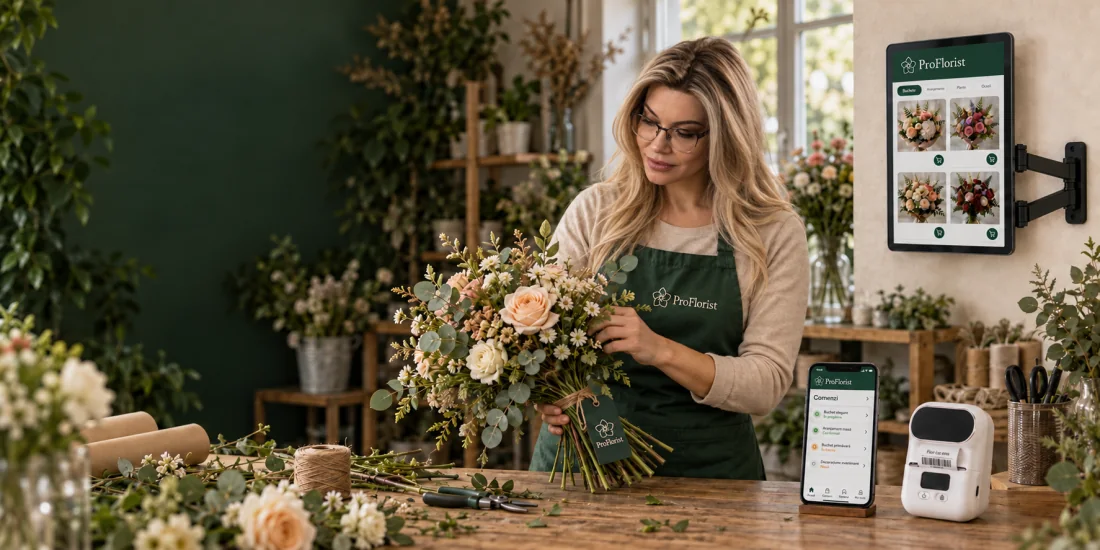

Exhibitor
From the first click to the delivered bouquet.
ProFlorist connects catalogue, orders, availability, team, production, couriers, payments and invoices in one operational flow.
Exhibitor
Technology & Digital
ROMEXPO · Pavilion C2
23–24.01.2027
Position being assigned
Software and marketing for flower shops
The product shown to the customer does not remain an isolated picture. Variants, recipe, ingredients, scheduling and delivery information can continue in the same order to the people responsible for execution.
A flow built for real operations
Flower-shop profile, schedule, service area and realistic delivery conditions.
Products, variants, prices, photography, recipes and availability.
Order, product, recipient, message, payment and handover method.
The job reaches the workshop queue with an owner, recipe, notes and proof photograph.
The courier receives address, navigation and instructions and records delivery or an exception.
Payment, invoice and documents stay connected to the active commercial flow.
One system · different roles
Orders, catalogue, availability and operational administration.
Workshop queue, job assignment, recipes, notes and photography.
Assigned deliveries, navigation, status, proof and exceptions.
Company, subscription, documents, integrations and invoices.
Discovery, delivery choice, order and status tracking.
What it actually does
Inbox filtered by status, source and handover; accept or reject; messages; payment link; proof photograph; invoice; delivery or collection.
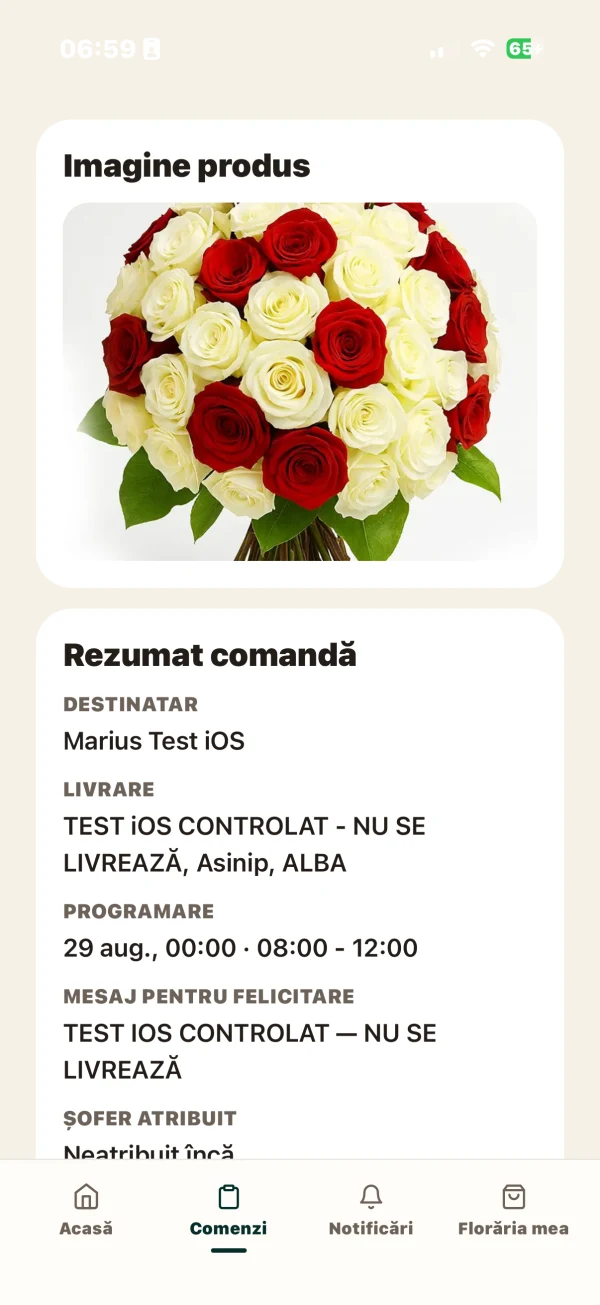
Products, variants, prices and photography; recipes and ingredients; preview; daily availability and the realistic “can be produced” decision.

AI Atelier is available from Local. Stock Vision assists stock-photo analysis, with results reviewed by the florist. It does not guarantee exact quantities or automatically update accounting stock.
Available from Growth: job assignment and claiming, notes, proof photographs and history. Labels require separately purchased compatible equipment and configuration.
Radii and localities, schedule and exceptions, preparation time, same-day delivery, fees, courier assignment, address, navigation, ETA and proof.
Own NETOPIA or Stripe Connect, invoice issue or upload, operations register and accounting documents, depending on configuration.
Integrations and extensions
The profile, catalogue and Client app support discovery. Network requests depend on the active service area, availability and acceptance; listing does not guarantee orders or exclusivity. Own orders from phone, WhatsApp or the shop are entered manually; other channels require compatible integrations.
Available from Regional for compatible stores, after configuration.
Products, ingredient mapping and compatible production flows.
Separate extension for retail sales and inventory.
Billing for accounts and flows where available.
Direct collection into the flower shop account after onboarding.
Explicit account association for professional flowers, plants and accessories.
The profile, catalogue and Client app support discovery. Network requests depend on the active service area, availability and acceptance; listing does not guarantee orders or exclusivity. Own orders from phone, WhatsApp or the shop are entered manually; other channels require compatible integrations.
Status and availability
ProFlorist is available. Create your account and configure your flower shop at app.proflorist.ro, then use the same account in the ProFlorist Florist app. The free 30-day trial starts when you begin setup, with no automatic charge when it expires. Afterwards, app features require an explicitly purchased subscription; your data and free listing are retained. Features depend on subscription, integrations and configuration.





Săptămâna Financiară
Agernews
News.ro





 Corinthia Bucharest
 Rentado